We do our best to avoid marketing speak, but it does bear repeating that Short.io was founded on the principles of feature-packed and affordability. That’s kept our business operational for over a decade.
So, we’re always looking for new ways to improve our users’ experience — not just so we can offer a better value proposition, but also because it’s how our model has always worked. It’s what we know works, and it’s what we, as people, want to keep doing.
Our Features section keeps growing, and we haven’t increased prices even once since we started.
We’re saying all this because, even by our standards, Organizations is one of the biggest changes we’ve ever shipped.
How Teams work in practice
Teams have four roles.
- Owner: The person responsible for the team. There’s exactly one, and they own billing — everyone else on the team inherits the Owner’s pricing plan. Ownership can be transferred, but not shared.
- Admin: Full access to operate on links. Can also add users, assign roles, and remove users.
- User: Can create, edit, and share links, and view stats. Users can optionally be restricted to link-level permissions, which limits them to links they’ve created themselves or had shared with them.
- Read-only: Can share links and view stats. That’s it.
Each Team can have multiple domains.
There’s a functional limit to Teams
Teams make a lot of sense, but as we started facilitating larger and more complex customer setups, we started noticing a set of problems popping up consistently.
An Owner leaving your company could leave the Team, domain, and links essentially locked. A bit of an edge case, and something our support team can resolve, but still something we needed to address.
Billing is also tied to each Team’s Owner rather than to your company as a whole. In essence, this means that the Owner of Team #1, the Owner of Team #2, and the Owner of Team #3 could only use the billing accounts associated with their own accounts. Fine if each Team belongs to a different company, but when the same company pays for all three, there was no way to unify billing under a single financial entity.
Finally, Teams felt dispersed, lacking a single identity. That’s manageable for one or two teams, but for truly large and complex accounts, it can quickly become a feature that needs to be untangled, not one that stays out of the way.
Good news: Organizations
Think of it like this:
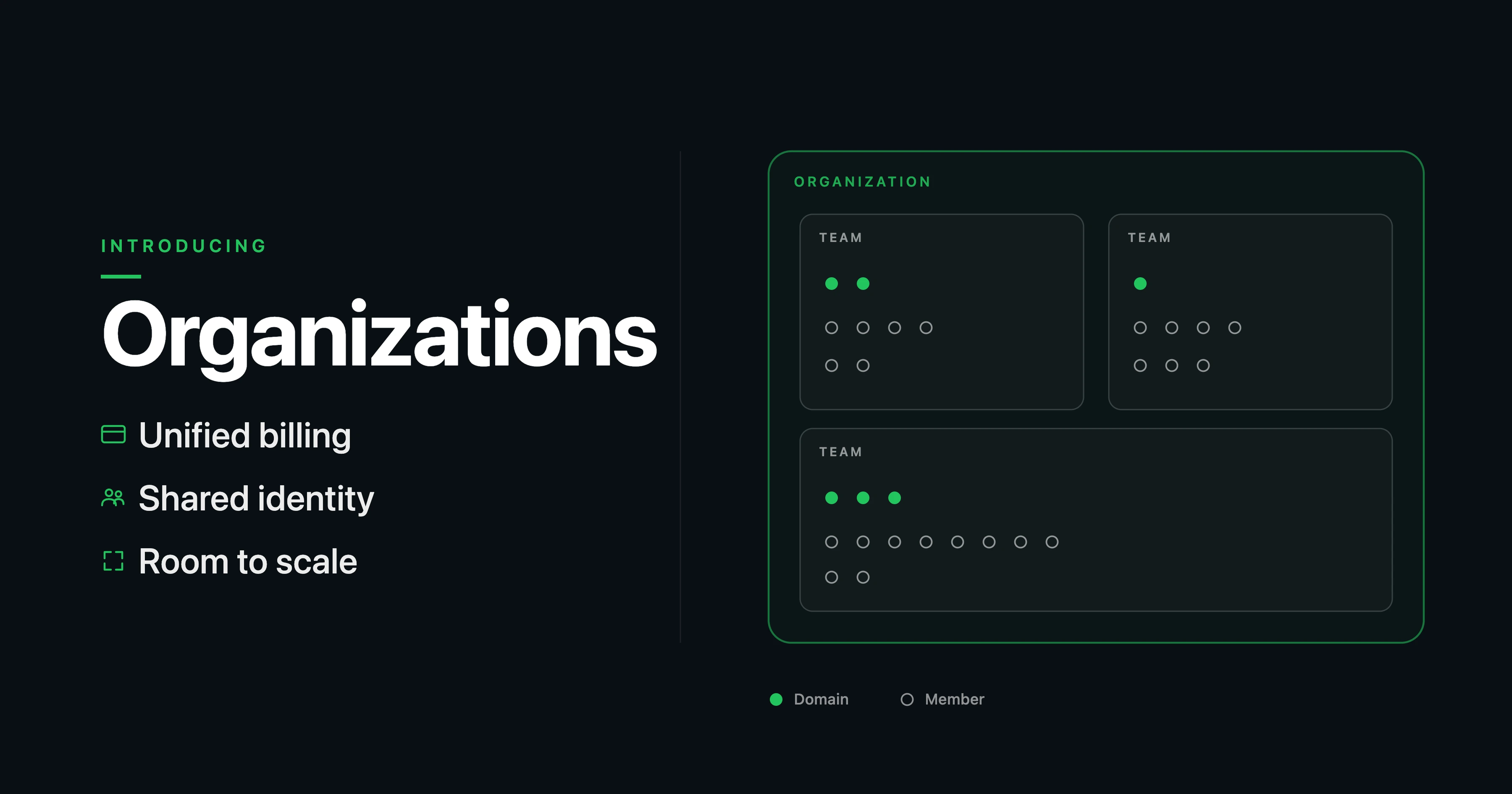
Organizations → Teams → Domains/Members.
Organizations is a layer on top of Teams. Just as Teams brings users together, Organizations brings Teams together. That’s it.
So now you have:
A more flexible company structure:
- Organizations only have two permission tiers: Admins and Members, simplifying structure.
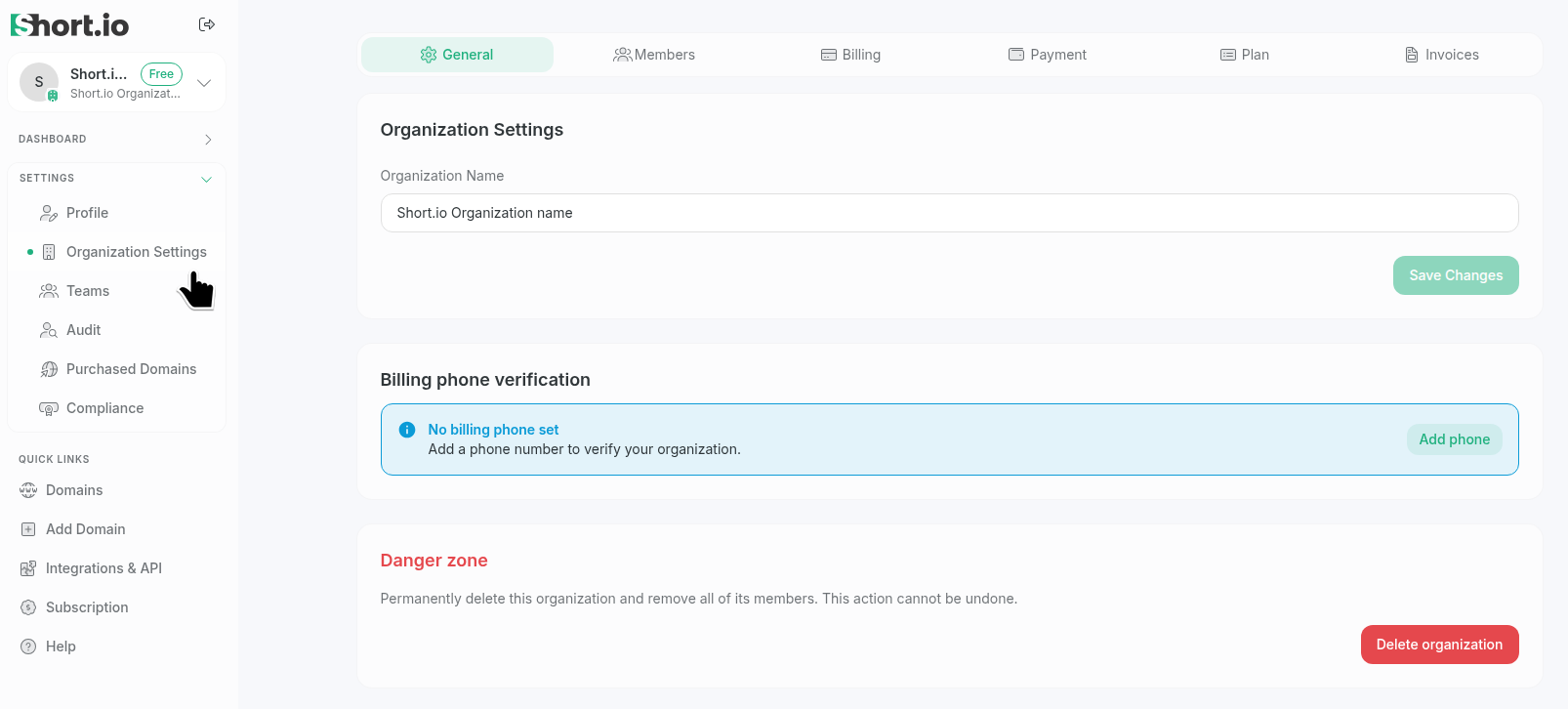
- Admins can change billing information, upgrade (or downgrade) subscriptions, decide who gets invited to the company, join and manage Teams, and handle company-wide settings.
- Members can only be part of Teams.
- More than one Admin can be assigned at once, making sure a changing of the guard doesn’t hamper operations.
Unified billing:
- One payment structure that covers all Teams.
- One discount code working across your entire Organization.
- Multiple payment methods you can set up and switch between.
- One “Invoices” tab that features invoices for all Teams in one place.
This creates a clearer hierarchy of operations, where one Organization, with one payment system and a select number of Admins, can handle one or more Teams which, in turn, handle one or more users and domains.
What this means for you
Teams worked for years. But as our users grew, so did their needs — and Teams started running into limits they were never designed to handle.
With Organizations, we didn’t want to just patch over the problem. Teams still work the way they always have. What’s new is the layer above them — one that handles billing, identity, and company-wide structure, so Teams can stay focused on what they’re actually for.
The result is something that scales with you.
- Small setups still feel light.
- Larger, more complex ones finally have room to breathe.