You can already sign in to Short.io with a passkey instead of a password. Now passkeys work in three more places: the login field, in password recovery, and on our iOS and Android apps.
A passkey is a login that lives on your phone or laptop. Instead of typing a password, you unlock it the way you unlock the device: with your fingerprint, your face, or your PIN.
So there’s nothing to type, forget, or reuse on five other sites.
What’s new
- Pick it right from the login field. Click into the login field and your passkey pops up as an option. Choose it, confirm with your fingerprint or face, and you’re in.
- Reset it via email. Ask for a password reset like you normally would. The email now lets you choose what to reset: your password or your passkey.
- Use it in the mobile app. You can now create a passkey inside the Short.io app for iOS and Android and sign in with it there.
Why bother?
Passwords get reused and cracked. Passkeys don’t.
A passkey only works on the site it was made for. If a fake Short.io login page lands in your inbox, your passkey just won’t work there, so there’s nothing for anyone to steal.
And there’s nothing to remember. Your device does the remembering for you.
How to set one up
- Go to “Settings” > “Profile” and open the “Security” tab.
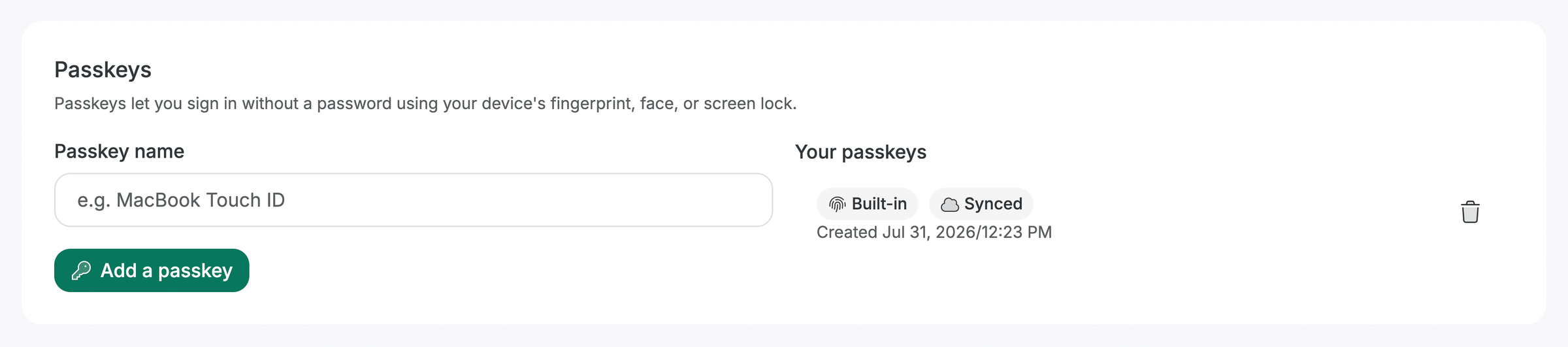
- In the “Passkeys” section, fill in “Passkey name”. Something like “MacBook Touch ID” helps once you have more than one.
- Click “Add a passkey” and follow your device’s prompts.
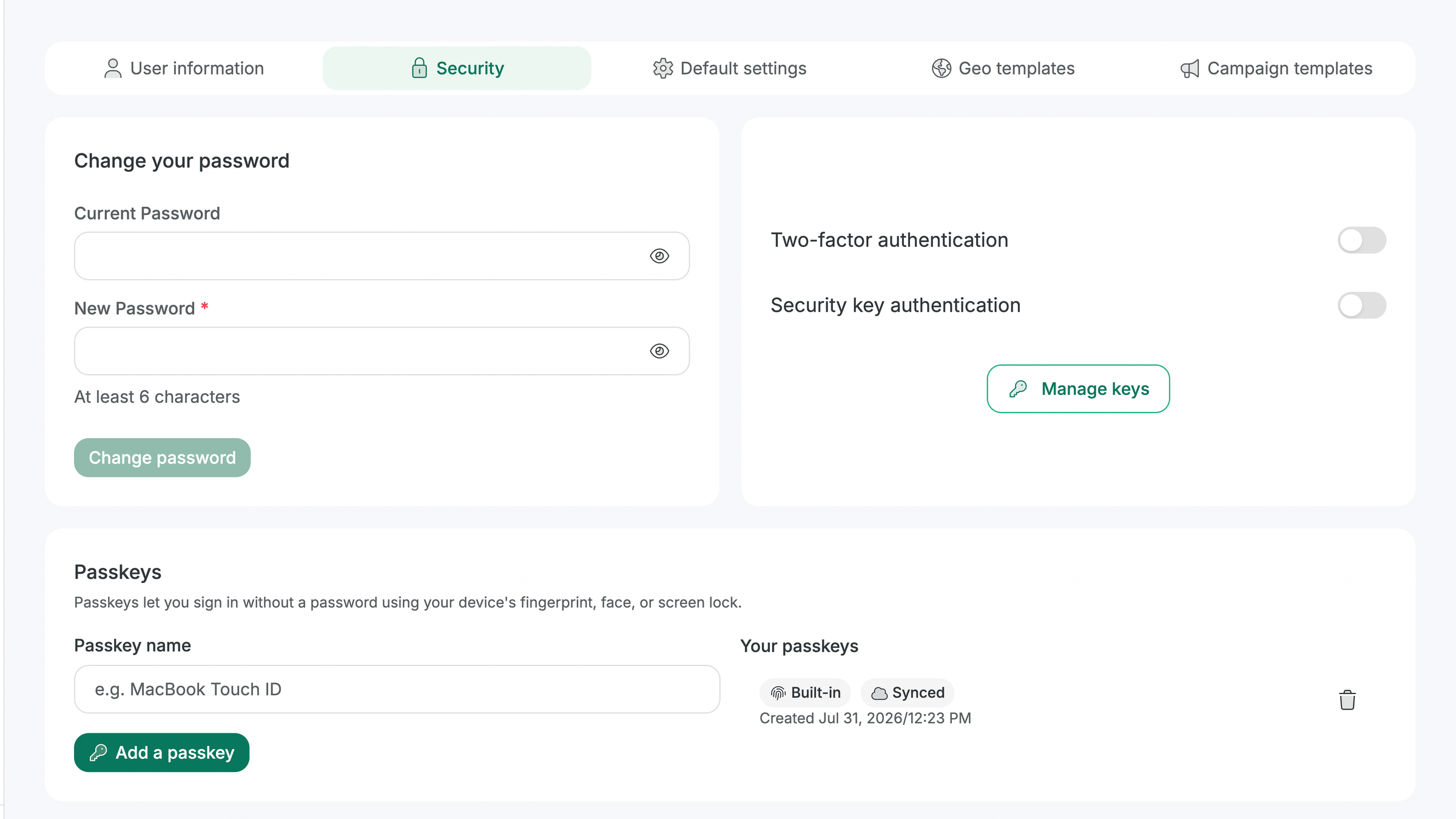
Your new passkey shows up under “Your passkeys”. It doesn’t replace your password: both keep working, so nothing breaks while you try it out.
Next time you sign in, click “Passkey” on the login page, or pick the suggestion in the login field.
Who it’s for
Everyone with a Short.io account, on every plan.