Single Sign-On (SSO) isn’t new, but it’s still incredibly handy.
It lets users log in with a couple of clicks, using an account they already have on something like Okta or Google — no new password to create or keep track of.
The main draw: passwords can be weak, and they can be stolen. With SSO, the access point is handled by an outside party — usually one with far better security practices and a bigger reputation to protect.
Better still, the same login works across every platform your company uses.
We’ve supported SSO for years. We just made it a lot more useful.
The benefits
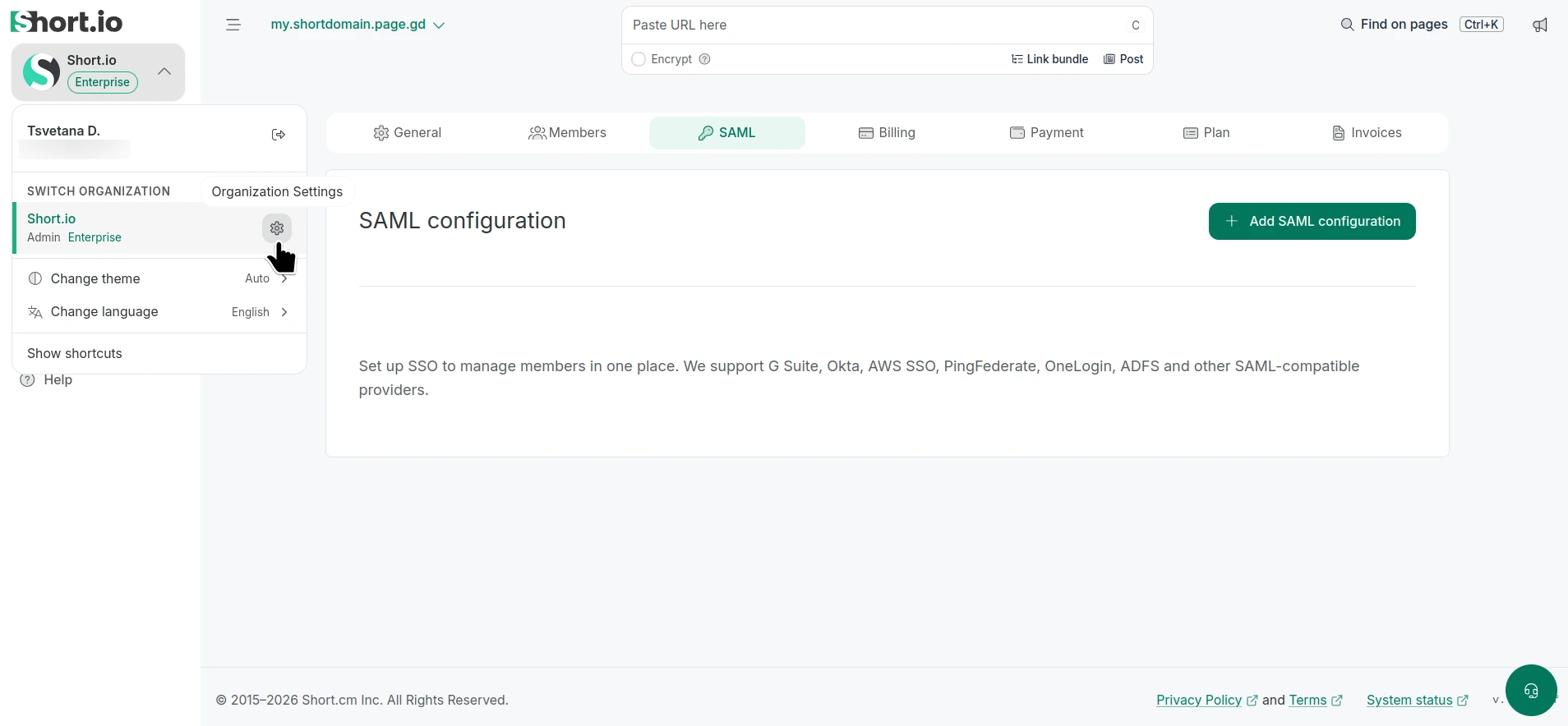
SSO now lives at the Organization level — one level above Teams — instead of being configured Team by Team.
Why?
Previously, admins set up SSO on each individual Team. That works fine on its own, but the more Teams and users you have, the more room there is for things to go sideways. Here’s what moving it up a level fixes.
One setup for everyone, not one per Team
A single SAML config at the top covers everyone — no duplicating it across every Team.
Company-wide enforcement
“Required for all members” now means the whole organization, not one Team at a time. You can’t easily enforce a company-wide login policy when it’s fragmented across Teams.
Roles assigned before day one
New users can be given roles and assigned to Teams automatically, before they even log in — granular control over who can do what, from the start.
Clean, instant offboarding
Remove a user in your identity provider (Okta, Google, etc.), and they’re locked out of Short.io instantly. One “off” switch for all accounts.
Available now for all Enterprise users
Efficiency, oversight, and security — all improved now that SSO lives at the Organization level.
Want to learn more about Organizations? Check out our article.
Ready to set up SSO for your organization? Here’s our setup guide.