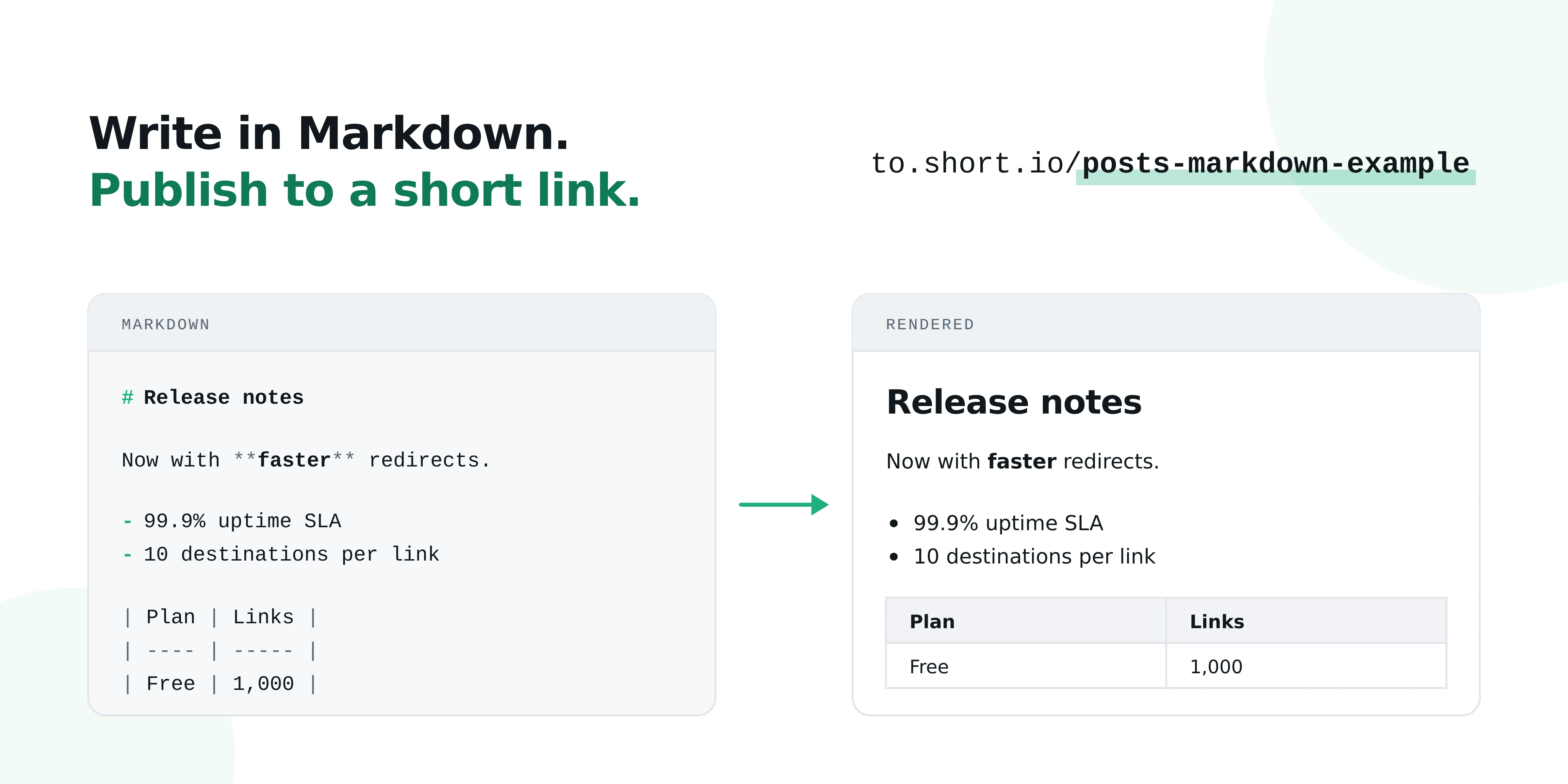
Your short link doesn’t have to point somewhere else anymore. With Posts, the short link is the page — written in Markdown, published on your own domain.
Short.io links have always had one job: take a destination and make it short, branded, and trackable.
But if you want to share something very specific and don’t want to build web pages around it, now you don’t have to.
Weekly metrics for a client, a quick changelog for other devs on your team, terms for a campaign, or internal docs that don’t justify a whole site.
Just write it, and the link is the page.
What’s a post, exactly
A Post is a page you write in Markdown and publish straight to a short link. No CMS, no static site, no dev ticket, no hosting.
You write, you hit publish, you share the link. Same as any other Short.io link.
What it renders
Pretty much everything you’d expect from a modern Markdown setup, and then some:
- Headings, bold, italics, strikethrough, and inline code
- Links, images, and reference-style links
- Blockquotes and GitHub-style alerts — Note, Tip, Warning
- Ordered, unordered, and nested lists, plus task lists with real checkboxes
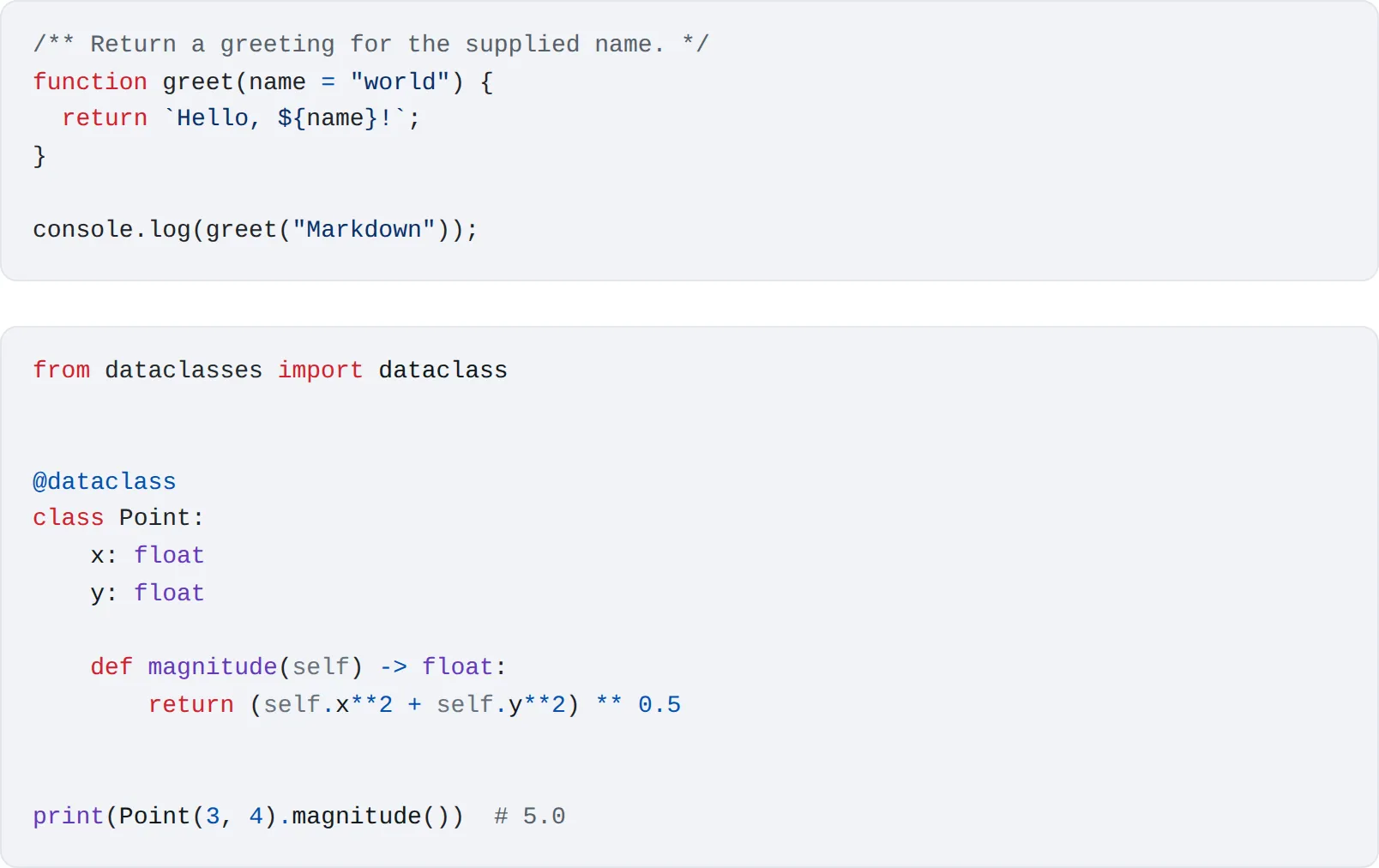
- Fenced code blocks with syntax highlighting for JavaScript, Python, Bash, JSON, and SQL
- Tables with proper column alignment
- Footnotes, definition lists, and abbreviations
- LaTeX formulas, inline and as display blocks — sums, integrals, matrices, piecewise functions
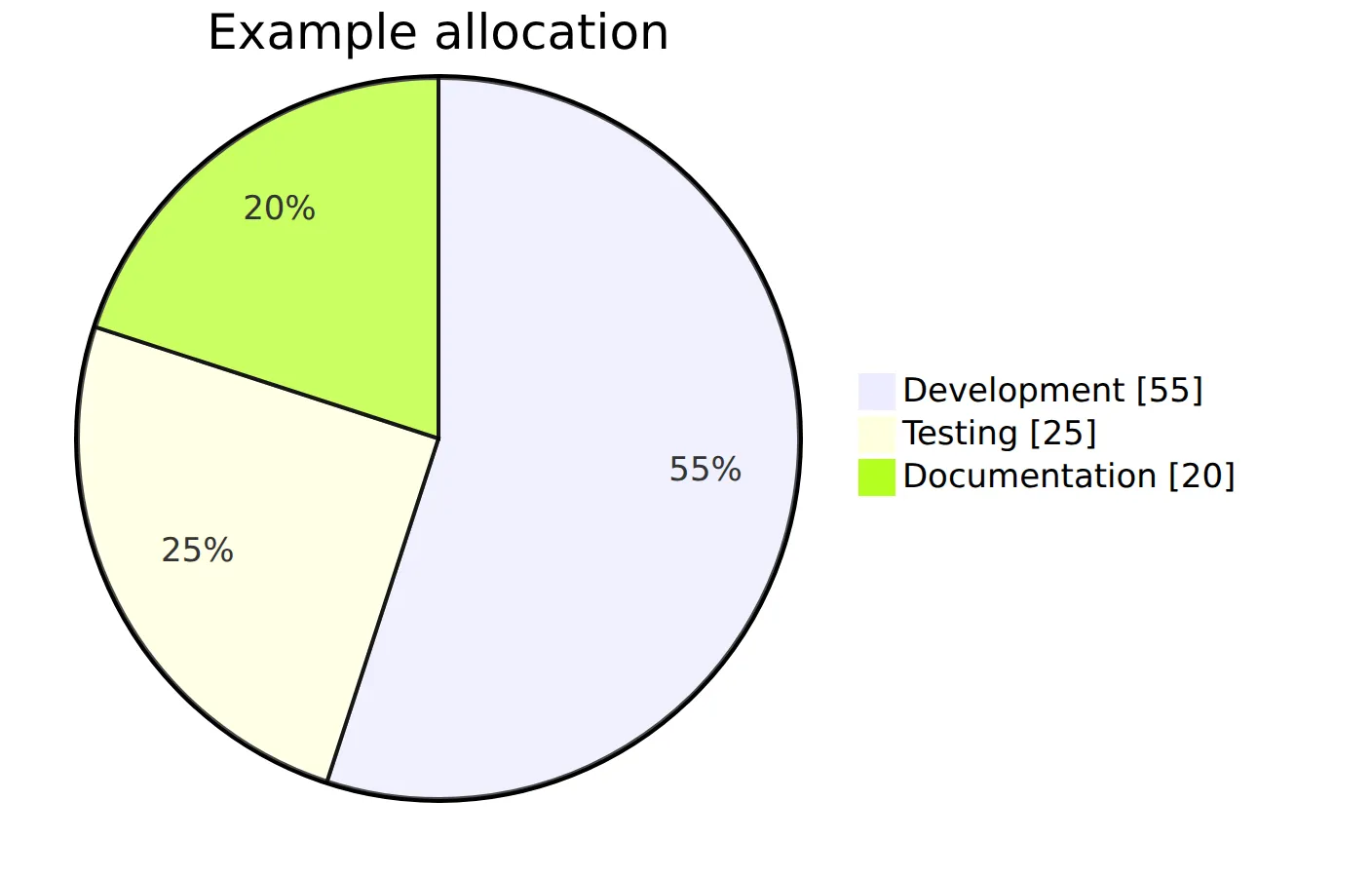
- Mermaid diagrams — flowcharts, sequence diagrams, Gantt charts, ER diagrams, and more
If you already write in Markdown — and if you use GitHub, Notion, or Obsidian, you do — there’s nothing new to learn here. Paste it in and it works.

Who it’s for
Support and docs teams. Short, standalone help pages that live on your branded domain instead of a Google Doc nobody can find.
Developers. Code samples with real highlighting, API notes, architecture diagrams via Mermaid. Postmortems that don’t need a repo.
Marketers. Campaign terms, giveaway rules, event details, press one-pagers. Anything that needs a real page by Thursday.
Educators and researchers. LaTeX support means formulas render as formulas, not as screenshots of formulas.
It’s still a short link
And because it’s a Short.io link underneath, you get the same analytics you get everywhere else. Clicks, sources, devices, locations. You can see who’s actually reading.
See it in action
We built a full showcase Post that renders every supported element on one page — every heading level, every list type, code blocks, tables, footnotes, LaTeX formulas, Mermaid diagrams. It even renders a chessboard, just because it can.
Want the syntax behind it? Our docs walk through how to write each one.